

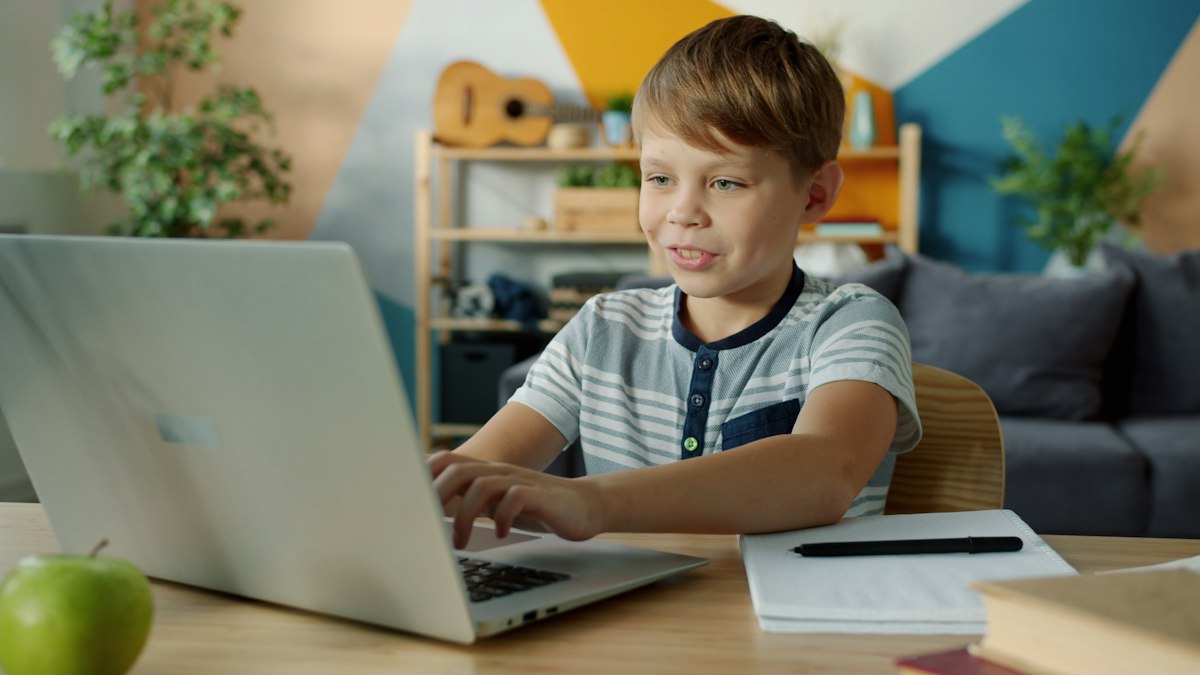
Kids today click, tap and swipe long before they write in cursive, yet many still type with two fingers well into middle school. That habit gets harder to break every year, especially once schoolwork, online tests and research projects all happen on a keyboard. Good typing games for kids turn the drill of finding each key into a game they actually want to replay, so correct finger habits form early and speed follows naturally.
Why start keyboarding young?
Many schools now expect students to type short answers and essays by third grade, and computer-based state tests rely on keyboard skills. Children who know where the keys are can focus on what they want to say rather than hunting for letters. Typing also reinforces letter recognition and spelling for younger learners, and older kids gain confidence when their written work finally keeps pace with their ideas. That is why a few minutes of kids keyboard games each week can pay off for years, long before formal typing lessons begin in later grades.
Stage one: getting to know the keyboard (Kindergarten to Grade 2)
At this age the goal is familiarity, not speed. These games help little hands find letters without frustration.
Keyboarding Zoo
Children find each letter of the alphabet on the keyboard, and every correct key reveals a word and a picture of a zoo animal. It is a gentle first step that also reinforces uppercase and lowercase letter recognition, recommended for kindergarten through second grade.
Typing Rocket Jr.
Letters ride on rockets, and typing the right key pops each one into a burst of fireworks. The colorful reward keeps young players engaged, and when they are ready, the full Typing Rocket game offers a step up in challenge.
Cup Stacking Typing
Players stack and unstack cups by typing the letters printed on them. With a recommended range from kindergarten to fifth grade, it grows with your child and makes a great warm-up before any longer keyboarding games session.

Stage two: building speed and accuracy (Grades 1 to 6+)
Once kids know the layout, the challenge shifts to typing whole words quickly and correctly.
Keys and Carrots
A farm-themed game where players type the letters on carrots to harvest them. It offers a word mode and a sentence mode, so the same game works for a first grader and a sixth grader, and finishing a level unlocks a bonus round.
Ghost Typing
Words float toward the player on friendly ghosts, and kids must type each word before it gets too close. The gentle time pressure builds real speed, and it is aimed at second grade and up.
Keyboard Challenge
This puzzle asks players to rebuild a keyboard by placing each key in the right spot, choosing from six keyboard styles and two levels. When finished, they can save or print a picture of their keyboard. It sharpens recall of letters, numbers and symbols, and makes a smart companion to any typing practice for kids.
Which game fits your child?
| Game | Grades | Main skill |
|---|---|---|
| Keyboarding Zoo | K to 2 | Finding letters on the keyboard |
| Typing Rocket Jr. | K to 2 | Quick single-letter typing |
| Cup Stacking Typing | K to 5 | Letter recognition and rhythm |
| Keys and Carrots | 1 to 6+ | Words and full sentences |
| Ghost Typing | 2 to 6+ | Typing words under time pressure |
| Keyboard Challenge | 2 to 6+ | Keyboard layout and symbols |
Quick tips for better typing habits
- Show the home row first, with fingers resting on A, S, D, F and J, K, L and the semicolon.
- Encourage eyes on the screen rather than on the hands.
- Choose accuracy over speed in the early weeks.
- Keep sessions to ten or fifteen minutes, a few times a week.
- Let kids pick their favorite game each day so practice stays fun.
Final Word
Typing is a skill children will use every school day for years, and learning it through play makes the early stages far smoother. Starting with letter-finding games and moving toward word and sentence challenges builds both confidence and speed. ABCya brings all six of these games together with hundreds more learning activities for Pre-K to grade 6, and a family membership unlocks the full library on up to five devices, which makes it easy to keep learn to type games part of the weekly routine. Keep exploring BlogsBuddy for fresh reads on raising curious, capable kids.