

A pocket e-reader is meant to go everywhere, and anything that goes everywhere picks up a few problems along the way. The battery runs low at the wrong moment, the bedroom light goes off before the chapter ends, or the screen meets a set of keys at the bottom of a bag. The right e-reader accessories deal with all three, and most of them take up less room than a pen.
This guide groups the essentials by the job they do, so you can build a setup around how and where you actually read. Everything here is designed for the X3, X4 Classic and X4 Pro pocket readers.
Keeping It Charged
Pocket readers sip power, but a stand or a quick-connect cable makes charging so easy that you never think about it. These three options cover the desk, the bedside and the bag.
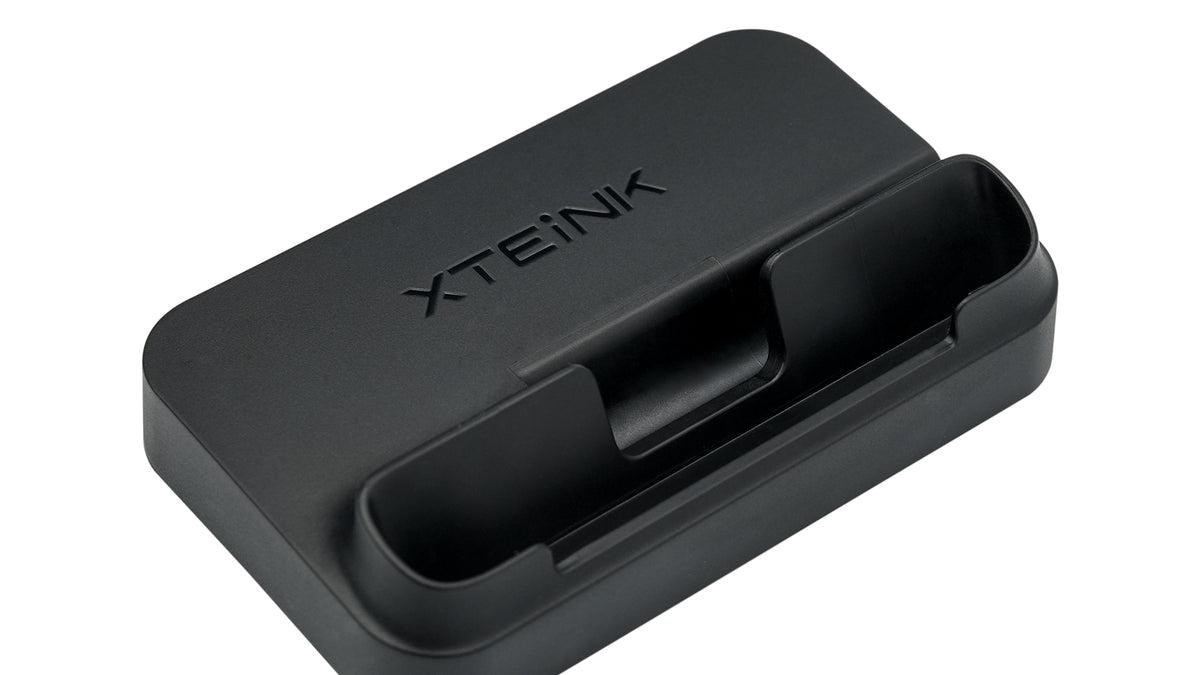
Base Stand & Charging Adapter for X3, X4 Classic and X4 Pro
The base stand turns the reader into a small desk display while it charges. It holds the screen upright for reading notes or a recipe, and it comes in Mist Gray or Space Black to suit a desk or nightstand. You can buy the stand on its own or bundled with the magnetic charging adapter for a one-step dock.
Magnetic Charging Adapter for X3, X4 Classic and X4 Pro
This adapter is built for snap-and-charge convenience. Once fitted, the cable connects magnetically, which means no fiddling with a port in the dark and less wear on the connector over time.
Magnetic Pogo Pin Charging Cable for X3, X4 Classic and X4 Pro
A spare magnetic cable is the simplest way to keep a charger in your work bag or travel pouch. It works with all three readers, so one cable covers the household even if family members carry different models.
Reading After Dark
The X4 Pro has a built-in front light, but the X3 and X4 Classic rely on the room around them. A clip-on light closes that gap and turns any pocket e-reader into a bedtime companion.
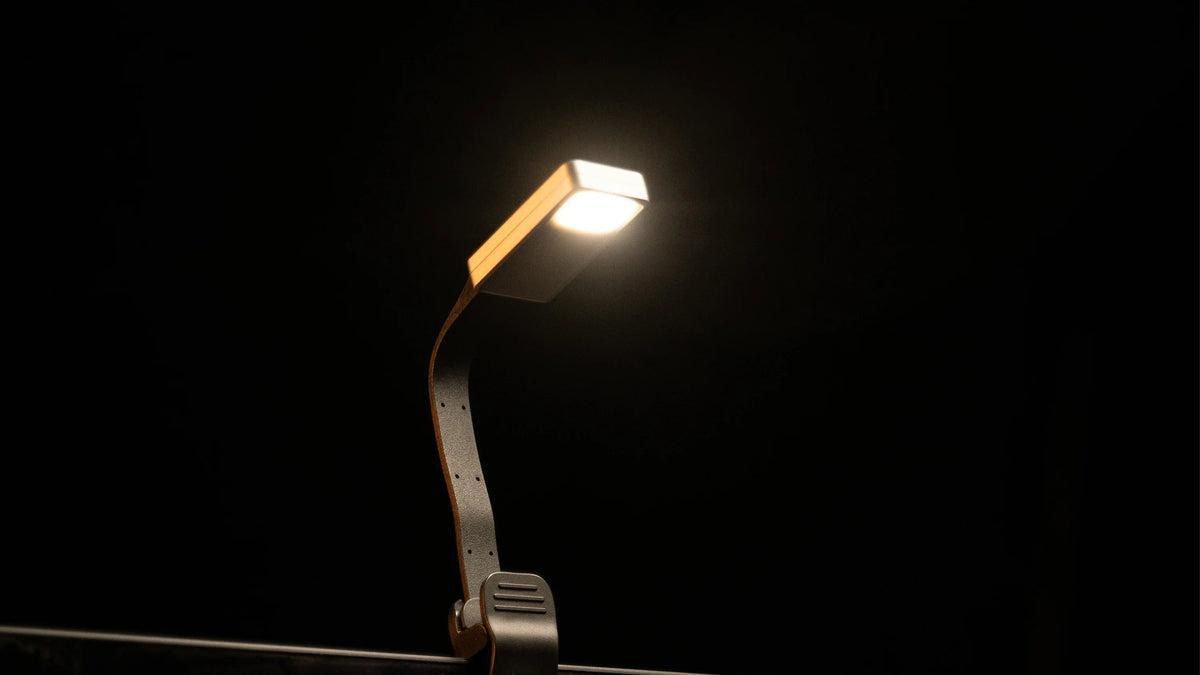
eReader Magnetic Reading Light
This rechargeable lamp attaches magnetically to the back of the X3 or X4, or clips straight onto a paper book. It throws soft light across the page without lighting up the whole room, which makes it a good choice for reading next to a sleeping partner or on a dark flight. It works best without a case so the magnet can hold firmly, and it comes in a single or dual pack for households with two readers.
Protecting the Screen and Shell
E-ink screens are tough, but pockets and bags are tougher. A case and a screen protector are small, simple add-ons that keep a device you carry daily looking new.
X4 Pro Protective Case
Designed around the slim 5.95 mm body of the X4 Pro, this case guards the edges and corners against bumps and drops while keeping the buttons and touchscreen easy to reach.
X4 Classic (X4 V2) Tempered Glass Screen Protector
Tempered glass adds a hard layer over the display that takes the scratches instead of the screen. Its clear finish keeps text crisp, so the paper-like look of the e-ink display is unchanged. A matte version is also available for readers who prefer a softer, anti-glare feel.
A Starter Kit in Four Steps
- Protect first: fit a screen protector and a case on day one, before the reader goes into a pocket.
- Choose your charging spot: a base stand on the desk or nightstand keeps the battery topped up without effort.
- Add a spare cable: keep a magnetic pogo pin cable in your bag for long trips.
- Light it up: if your reader has no front light, a magnetic reading light makes it usable at any hour.
Wrapping Up
A few small add-ons make a pocket reader far more practical. A stand and a magnetic cable keep it charged, a clip-on lamp keeps you reading after dark, and a case with a screen protector keeps it looking new for years. Pick the e-reader charging stand, light and case that match your habits, and the reader becomes something you reach for every day.
Every accessory in this guide is made by XTEINK to fit its X3, X4 Classic and X4 Pro pocket e-readers, so the magnets, ports and cut-outs line up exactly. Orders that are in stock ship within one to five days, and each purchase is backed by a 30-day return policy.
Want more ideas for getting the best out of your tech? Explore the latest guides on BlogsBuddy.